
Works With Your Databases
- Microsoft SQL Server
- Oracle Database
- MySQL
- MariaDB
- PostgreSQL
- SQLite
- Microsoft Access
- IBM Db2
- Teradata
- Snowflake
- Databricks
- Google BigQuery
- Amazon Aurora
- Amazon DynamoDB
- MongoDB
- Redis
- Elasticsearch / OpenSearch
- Apache Cassandra
- Neo4j
- Apache Hive
Features
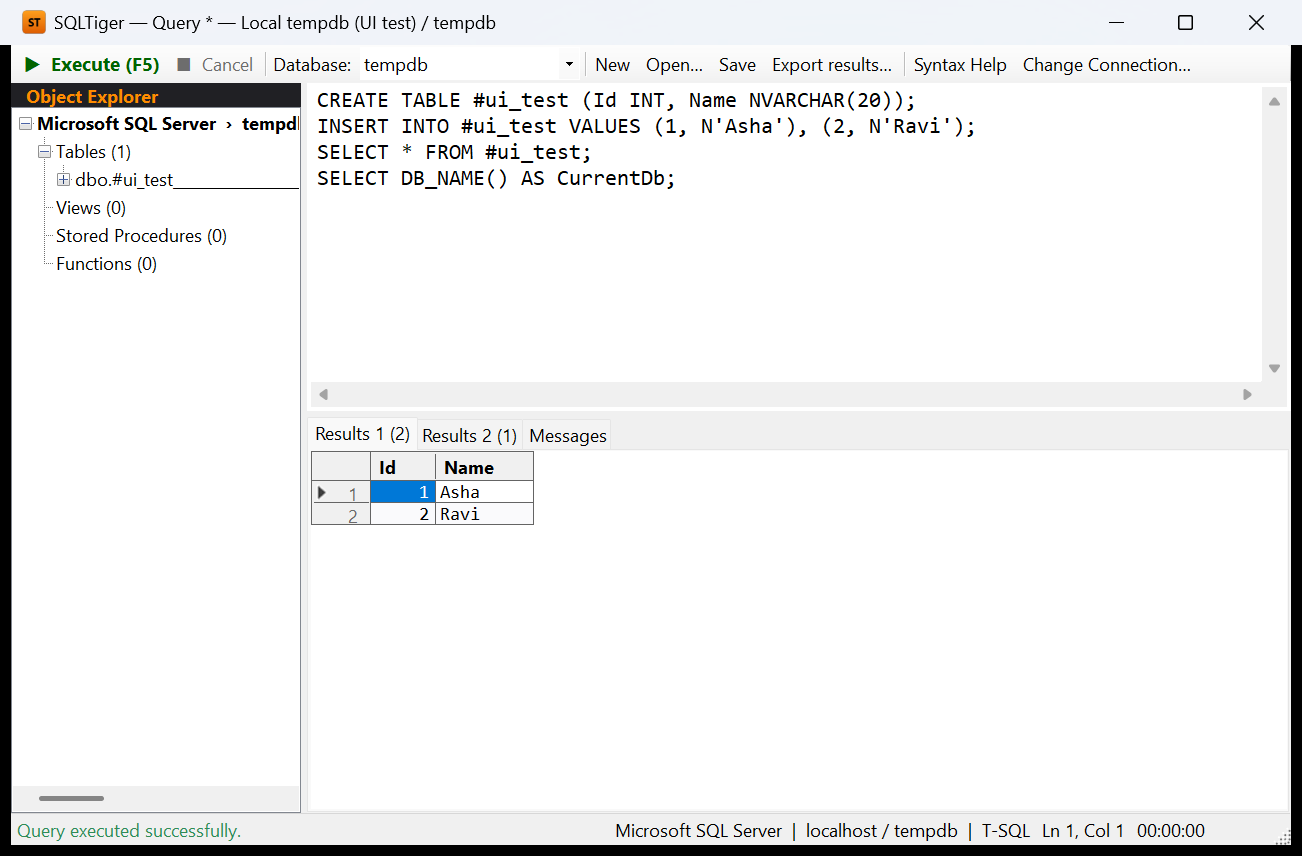
Query Editor & Results
Run a whole script or just the selection with F5. Batches are split the way each database's own tool does it (GO, DELIMITER, PL/SQL blocks). Results open in grids with sorting, copy and CSV export, and you can cancel long-running queries.
Object Explorer
Browse tables, views, procedures, functions, keys and indexes. Right-click for ready-made SELECT, INSERT, UPDATE and DELETE scripts and object definitions. Switch database or schema from the toolbar.
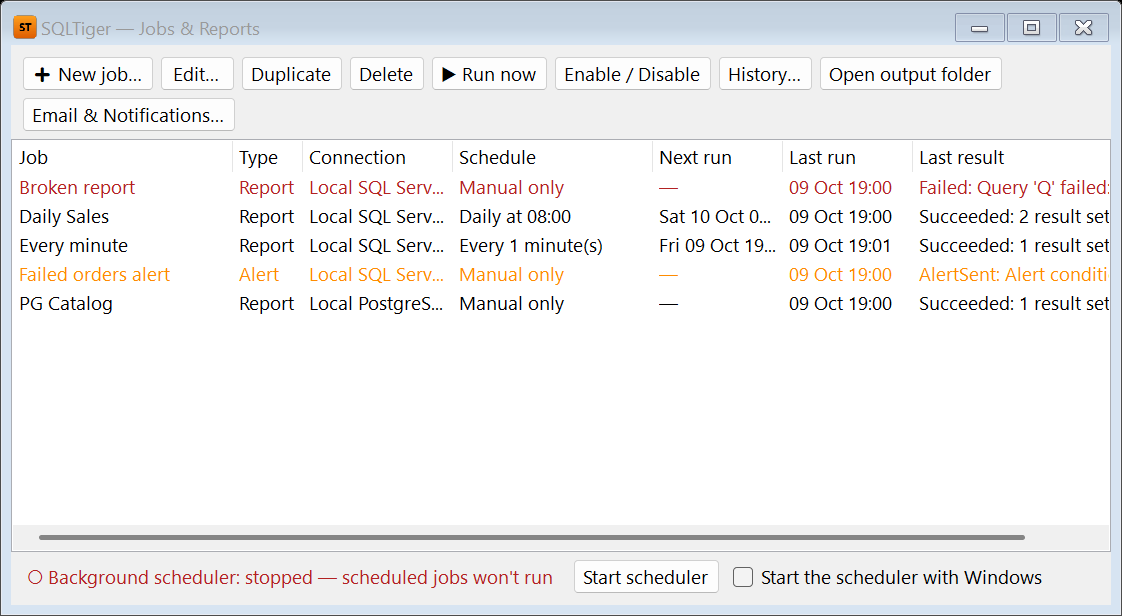
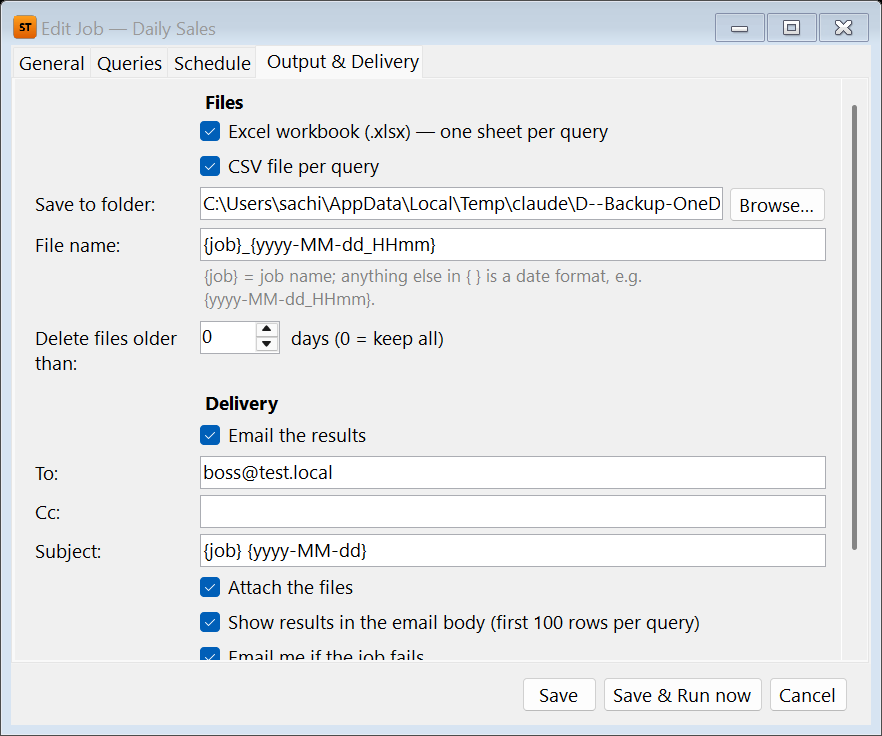
Scheduled Reports & Alerts
Turn any query into a formatted Excel or CSV report that runs daily, weekly or monthly and is emailed automatically. Alerts email you only when a condition is met, and Teams or Slack webhooks are supported.
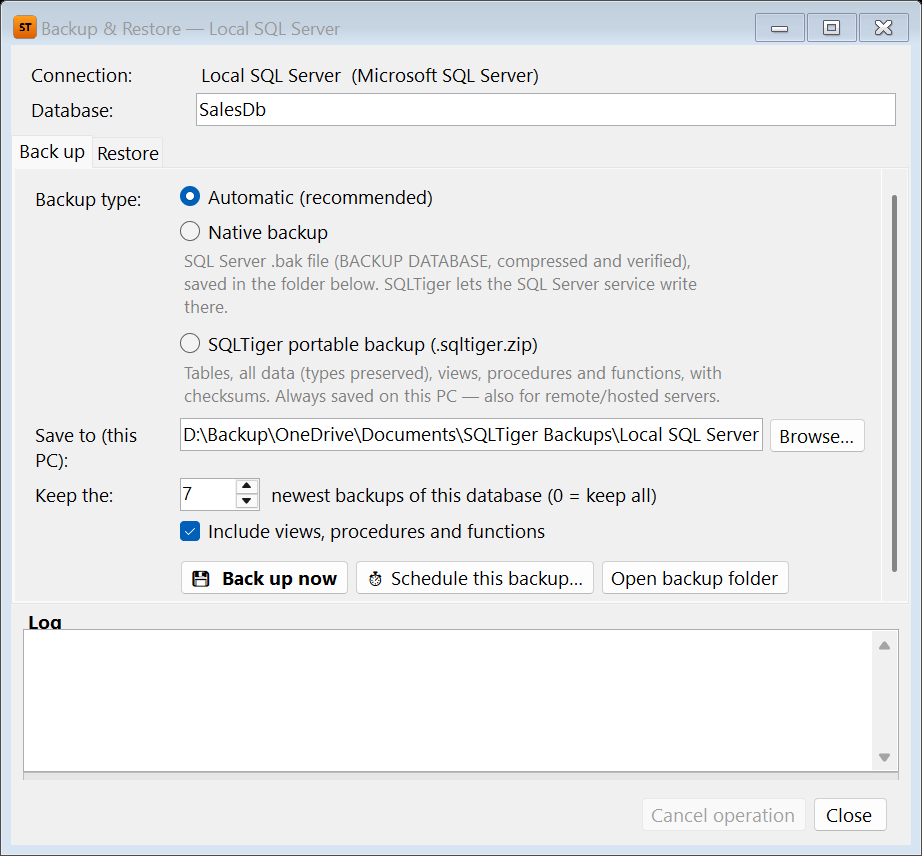
Backup & Restore
Native SQL Server .bak, SQLite and Access backups, or portable backups that also work for hosted servers. Every portable backup is checksum-verified. Backups stay on your own PC and can run on a schedule.
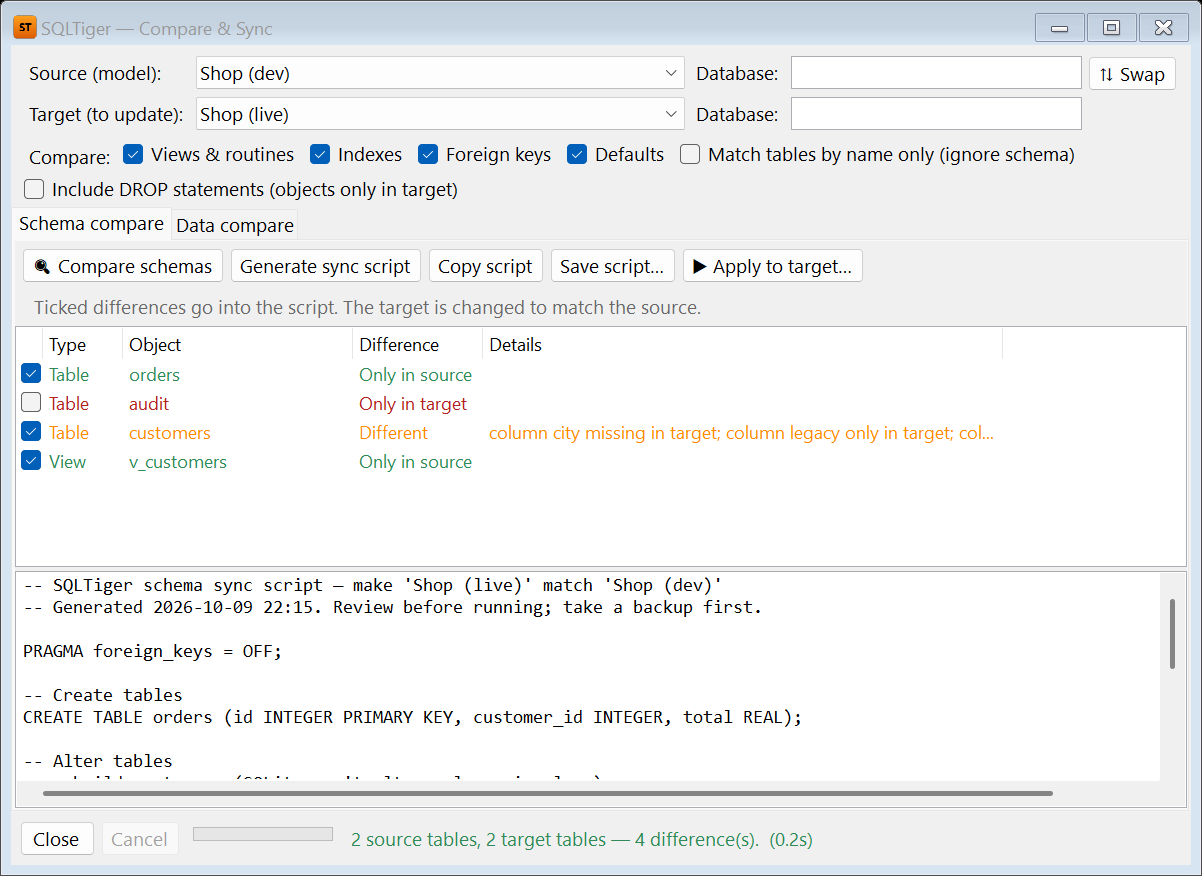
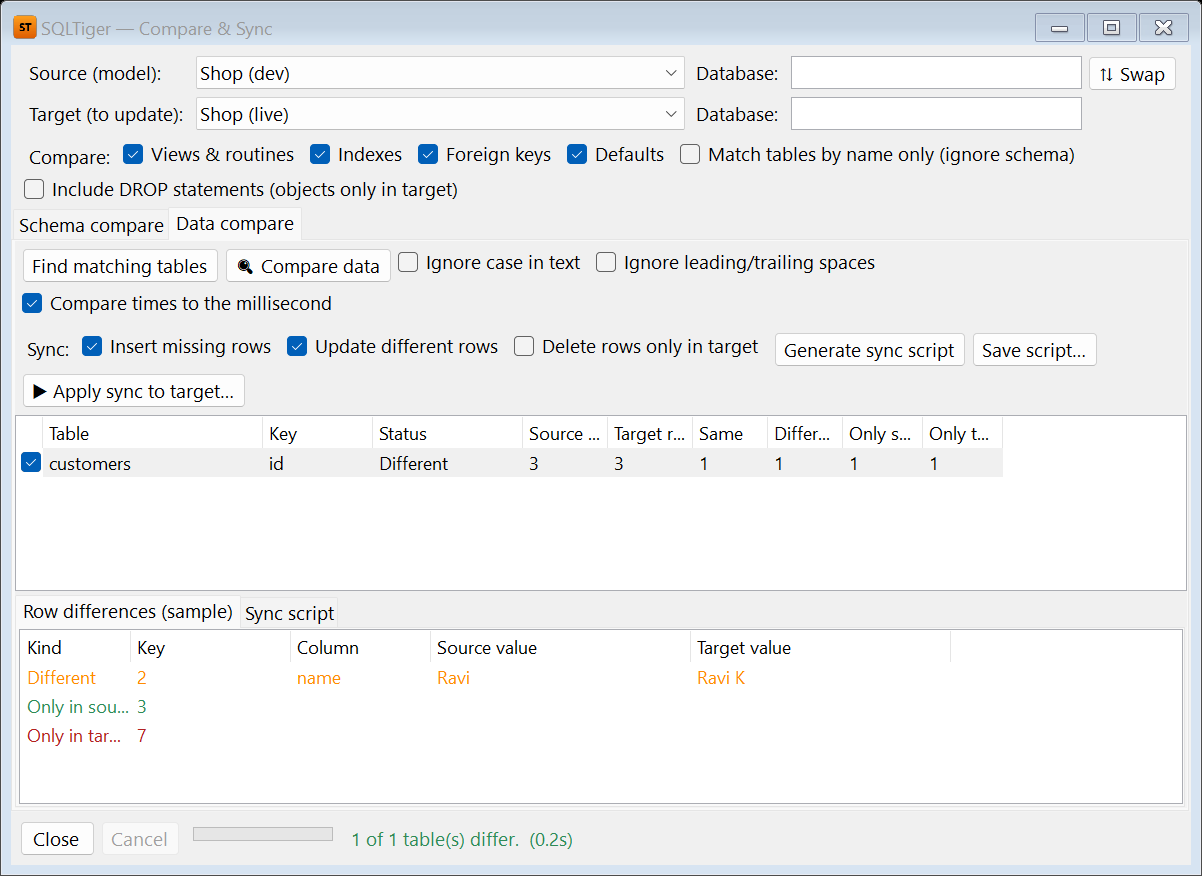
Compare & Sync
Compare the schema or the data of two databases, even across different engines. SQL Tiger writes a safe sync script for the target, or applies the changes for you.
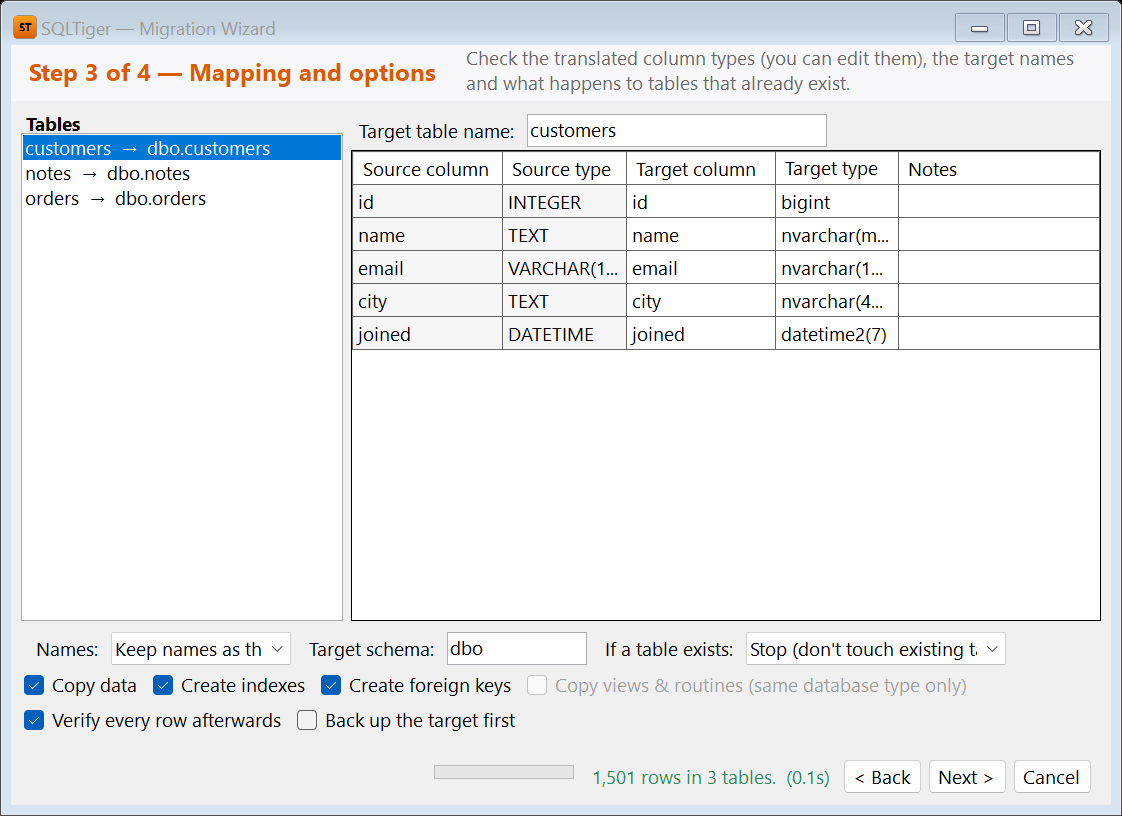
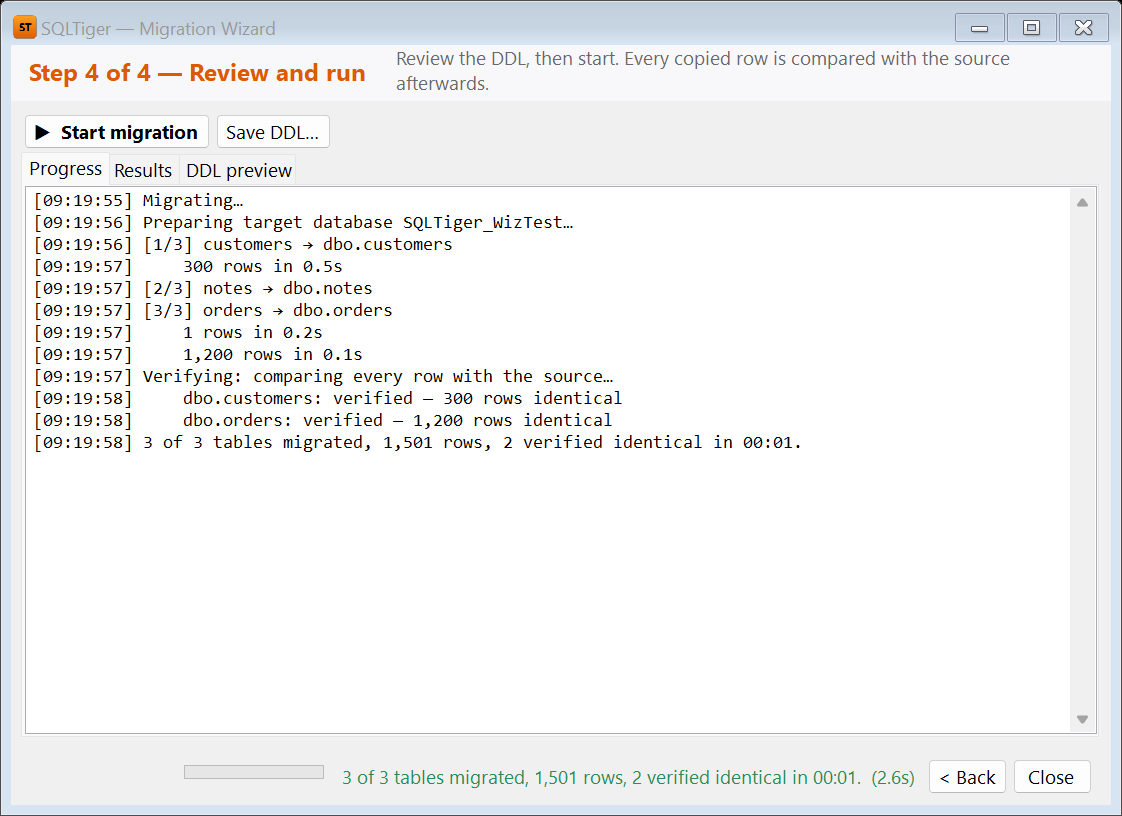
Migration Wizard
Copy tables, data, keys and indexes between engines, for example SQL Server to PostgreSQL or MySQL to SQL Server. Types are translated automatically, and every row is verified after the copy.
Health Check & Repair
Find corruption, fragmented indexes, stale statistics and risky settings, with a clear fix for each finding. Repairs use each database's own tools, and SQL Tiger takes a backup first.
Private by Design
Saved passwords are encrypted with Windows. Your data and backups never leave your PC. Error reports are off by default and are sent only if you agree.
Screenshots
Simple Pricing
Free Trial
Try everything
Starts on first launch, no card or sign-up needed
- Every feature unlocked
- All databases
- Reminders before the trial ends
- Oracle and IBM Db2 stay free after the trial
Personal
For non-commercial use
☕ Less than a cup of coffee
- Every feature
- All updates during the year
- Students, learners and hobby projects
Commercial
For work and business use
🍕 Less than a pizza
- Every feature, for commercial use
- Scheduled reports, backups and alerts
- All updates during the year
Install in Two Minutes
- Click Get it from Microsoft Store, then Get (or Install) in the Microsoft Store.
- Open SQL Tiger from the Start menu. Nothing else is needed, because .NET is included.
- Click Connect to New Database, choose the database type and enter your server details.
Requirements: Windows 10 version 1809 or later, or Windows 11 (64-bit), and about 350 MB of disk space. Microsoft Access needs the free Access Database Engine (64-bit); Teradata and Hive need their vendor's ODBC driver.
The Microsoft Store keeps SQL Tiger up to date automatically.
Questions About SQL Tiger?
Need a licence for your team or support for another database? Get in touch.